Digital menus for cafés and bars: brunch, happy hour and cocktails, always up to date
A café or bar menu is short but never still: the cocktail of the week, the keg that ran dry, weekend brunch. See how a QR code menu keeps up.
A café or bar has a short menu that never stands still. There is brunch at the weekend, happy hour in the early evening, a new cocktail every week and, halfway through the night, the craft beer keg runs dry. Out on the terrace, half the tables speak another language.
A digital menu with a QR code keeps pace without any reprinting. Here is how Menuyo helps cafés, bars, wine bars and brunch spots.
Drinks in several sizes and prices
Small and large beer, glass and bottle, regular and large: in Menuyo every drink can have several prices, each with its own label, and the labels are translated into the guest's language. Mark drink categories as drinks and, if the list is long, split it into Sections — Coffee, Wine, Beer, Cocktails.
Brunch, happy hour and the late menu, each at its own time
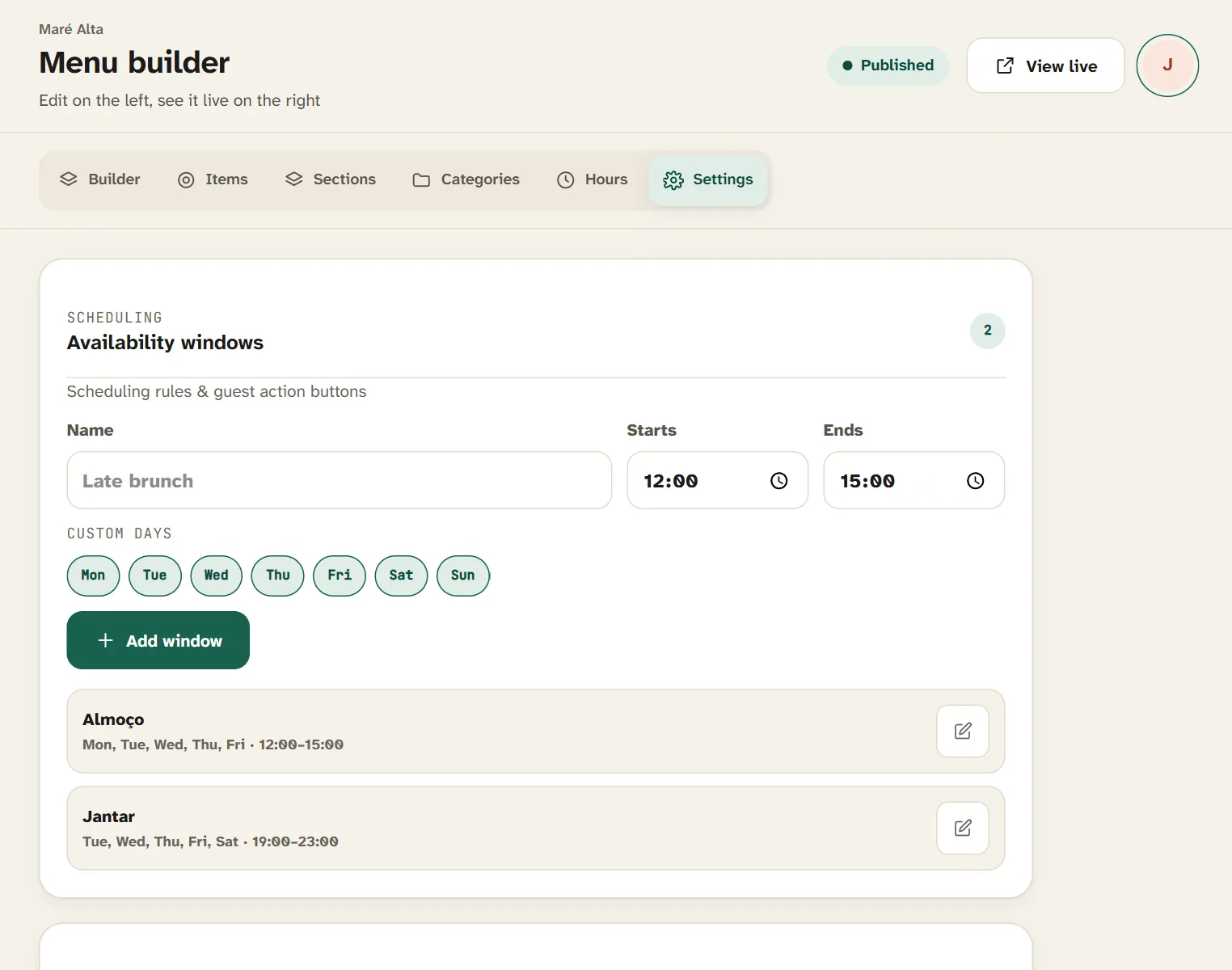
Under Settings, create availability windows: "Brunch" on Saturdays and Sundays from 10:00 to 14:00, "Happy hour" Monday to Friday from 18:00 to 20:00, "Late" from 22:00. Link each category or product to the right window and the menu changes on its own through the day.
Availability windows: brunch appears at the weekend and happy hour in the early evening.
A tip: for happy hour, create its own category with the special prices, linked to the 18:00–20:00 window. Outside those hours, it disappears from the menu.
The cocktail of the week, front and centre
Under Special menu, highlight what you want to sell first: the cocktail of the week, a cheese board with a glass of wine, a fixed-price brunch menu. Specials appear at the top of the menu and can have their own schedule too.
Keg ran dry? Mark it sold out
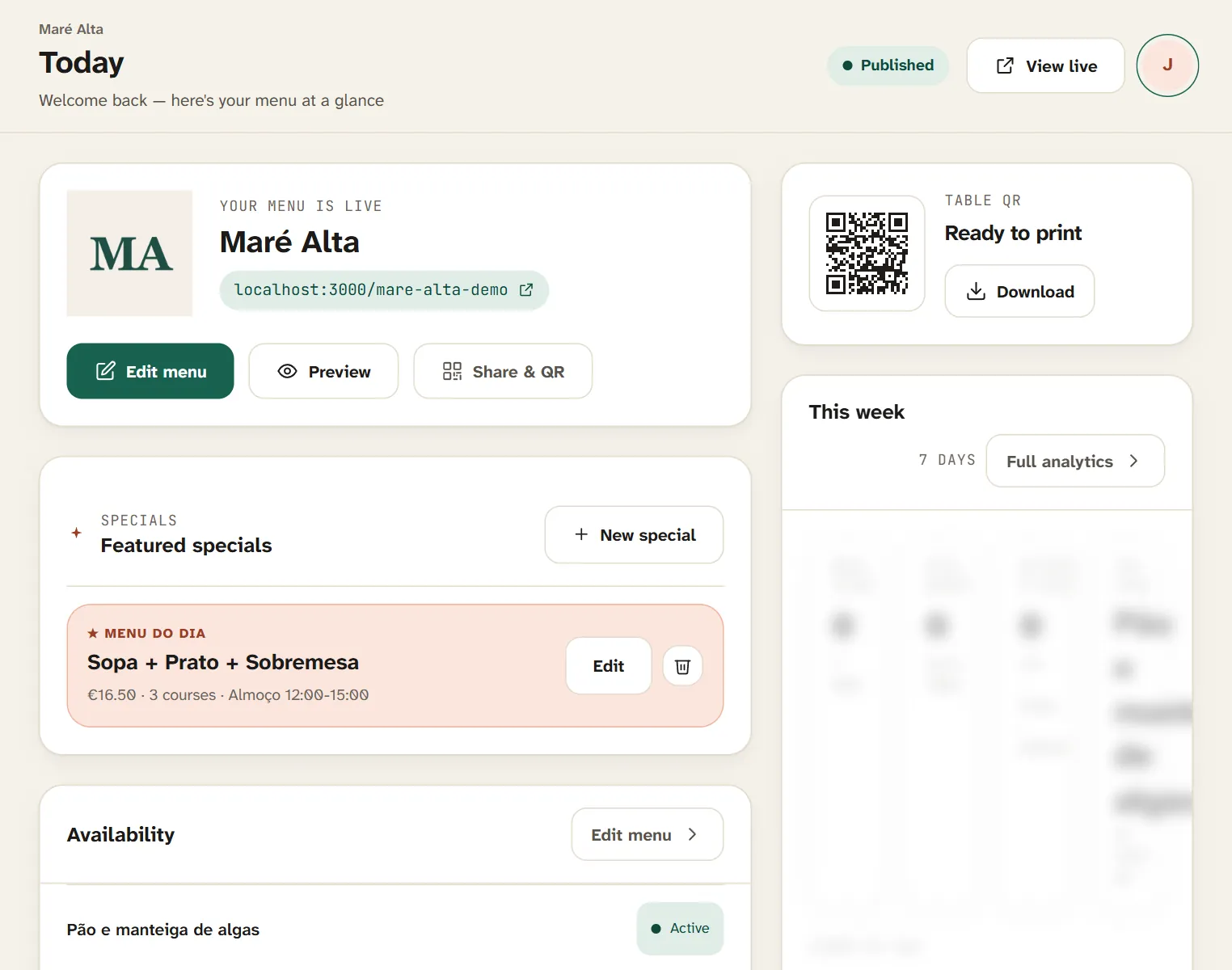
On the Today screen, one tap marks a product sold out. It stays on the menu, greyed out and labelled as sold out, so nobody orders it. When the new keg goes on, switch it back on.
Real-time sold-out items, with nothing to reprint.
A design that fits your venue
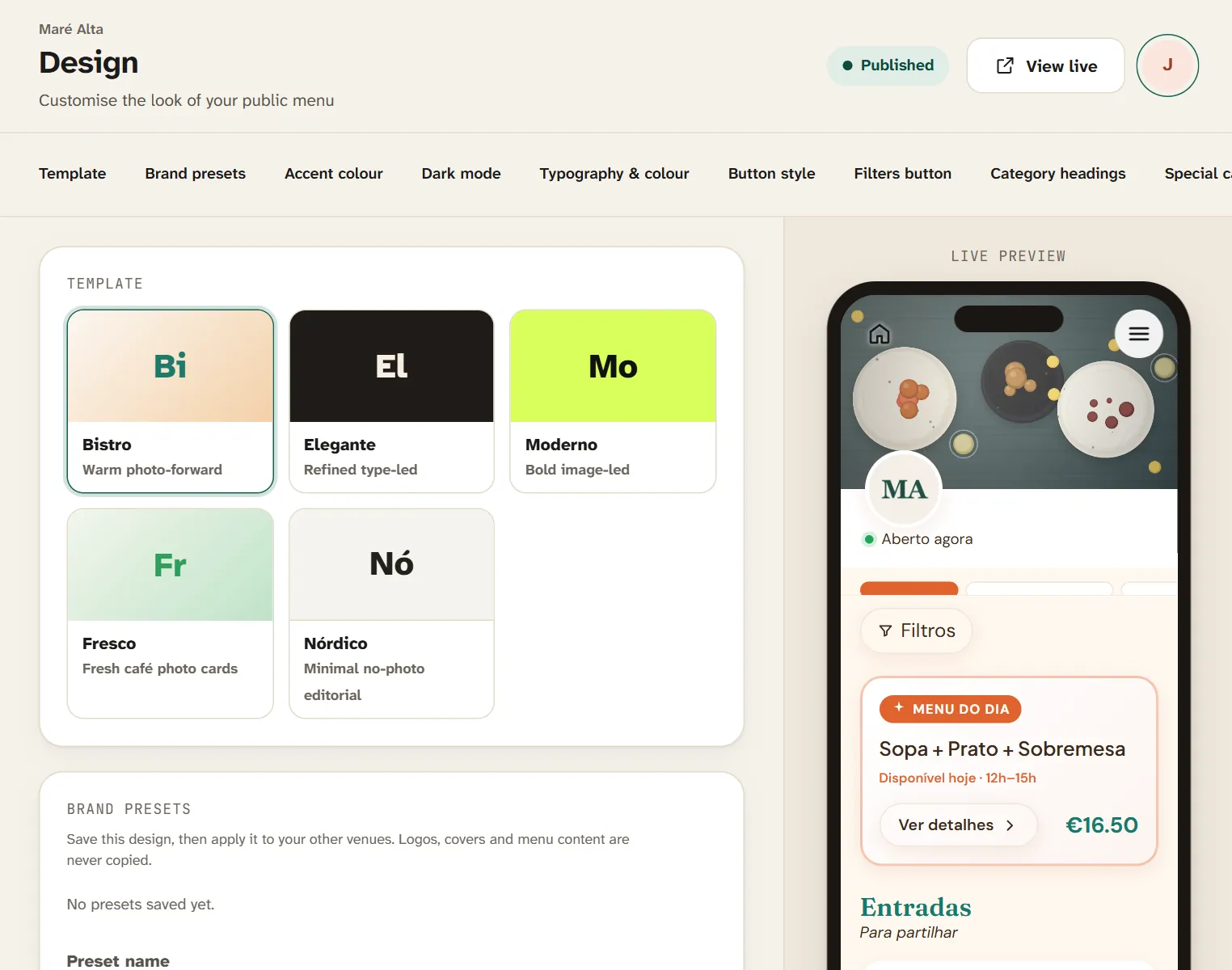
Five templates — from dark, nocturnal Moderno to bright, brunch-friendly Fresco.
Moderno — dark background, strong contrast and large images. Made for cocktail bars and nightlife.
Fresco — fresh green, photo cards and a light grid. Ideal for cafés, brunch and juice bars.
Nordic — minimalist, no photos, hairline rules. Designed for specialty coffee.
In every template you adjust colours, fonts, buttons and your logo, and you can create a dark mode in your own colours.
Terraces and international guests
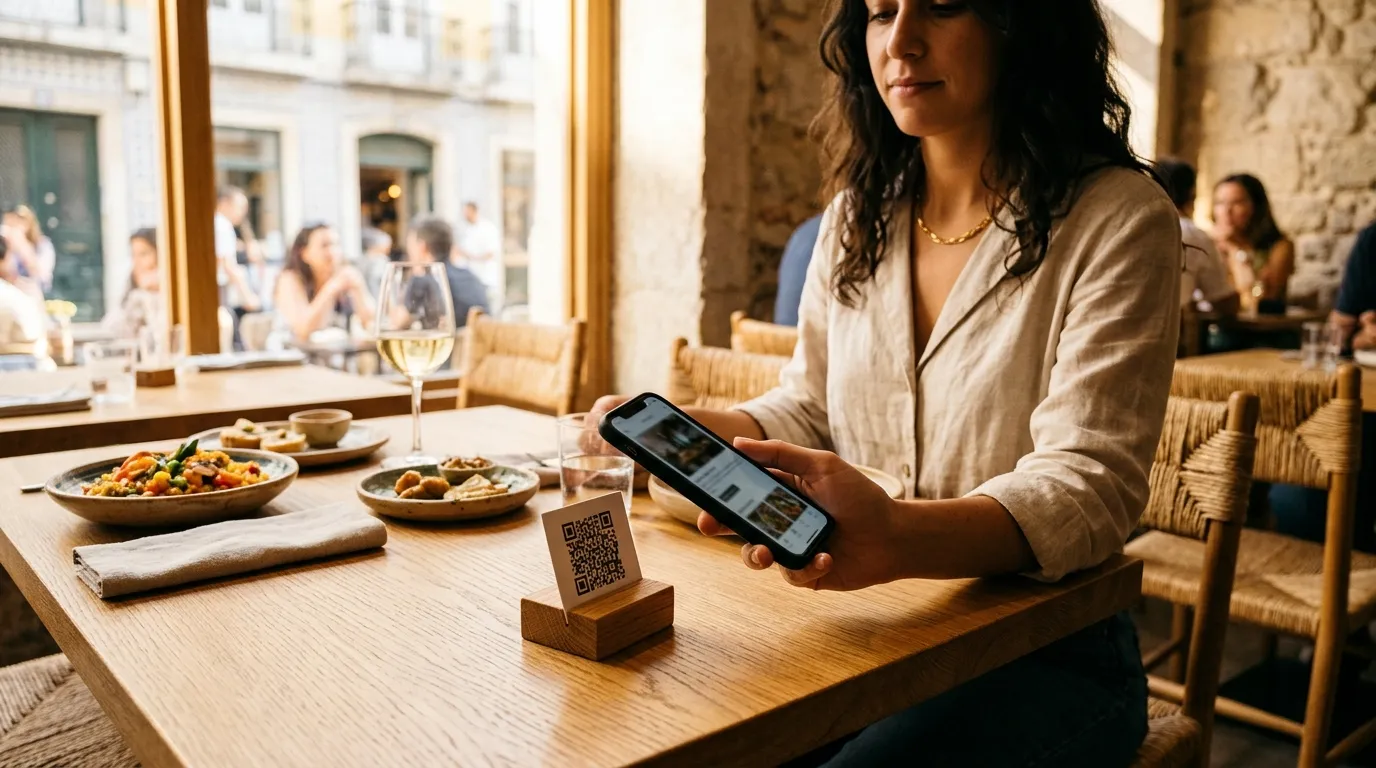
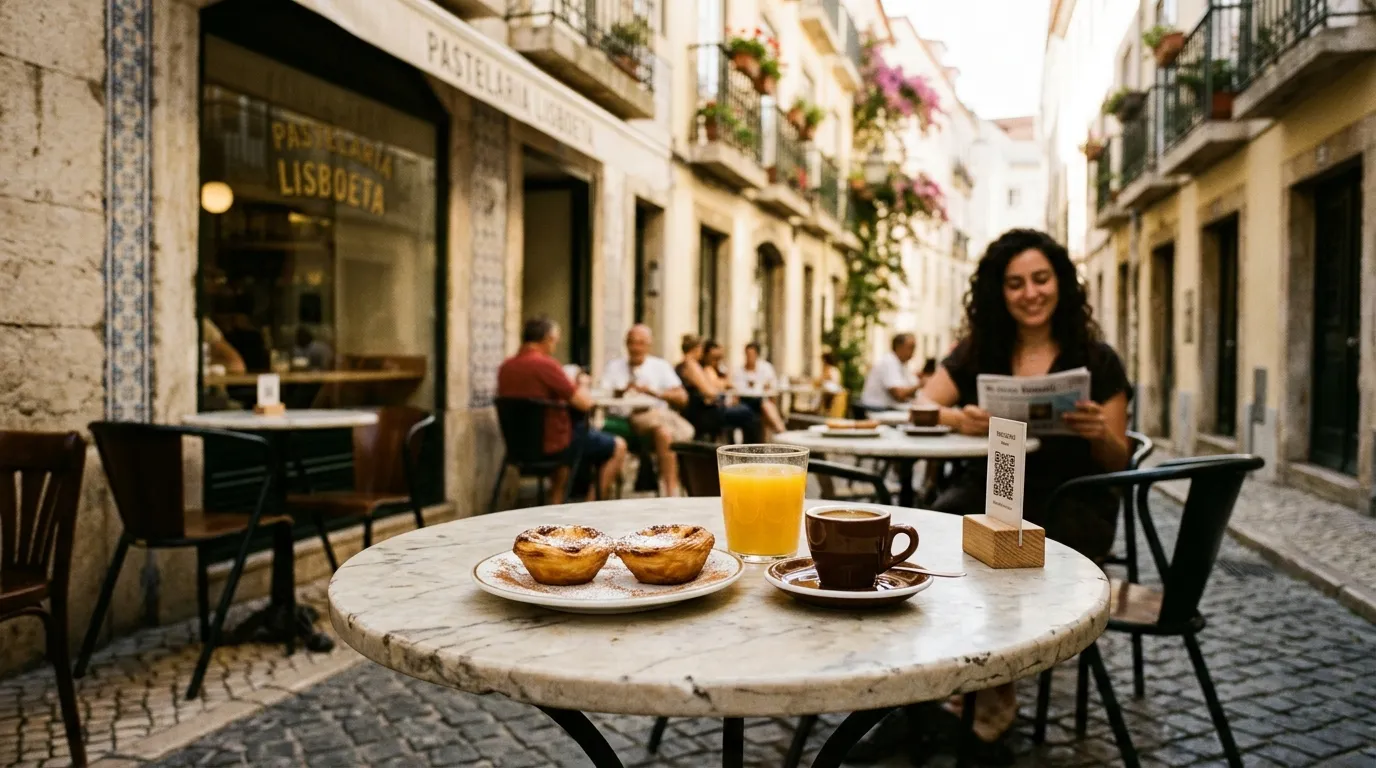
On the terrace, a QR code on the table means nobody waits for a menu. With the menu in several languages, visitors pick theirs with one tap — see our tips on how to translate your menu for tourists. For the counter or the window, print a price list from the same menu in Print menu.
Allergens in drinks, too
Milk in coffee, egg white in some sours, sulphites in wine, gluten in beer: drinks have allergens too. In Menuyo you tick them on each product, and you can also show caffeine and alcohol as extra information. Learn more in the 14 mandatory allergens.
Handy buttons
Show buttons on your menu for WhatsApp (great for group and event bookings), calling, directions, reservations and reviews on Google, Tripadvisor and other platforms.
Where to start
List your drinks with every size and price.
Create your brunch, happy hour and late windows.
Choose your template — Moderno for nights, Fresco for days.
Highlight the cocktail or suggestion of the week under Special menu.