
How it works
Your menu online. Three simple steps.
Create it, make it yours and share it with your guests. Keep the same QR code whenever your menu changes.
- 01
Create your menu
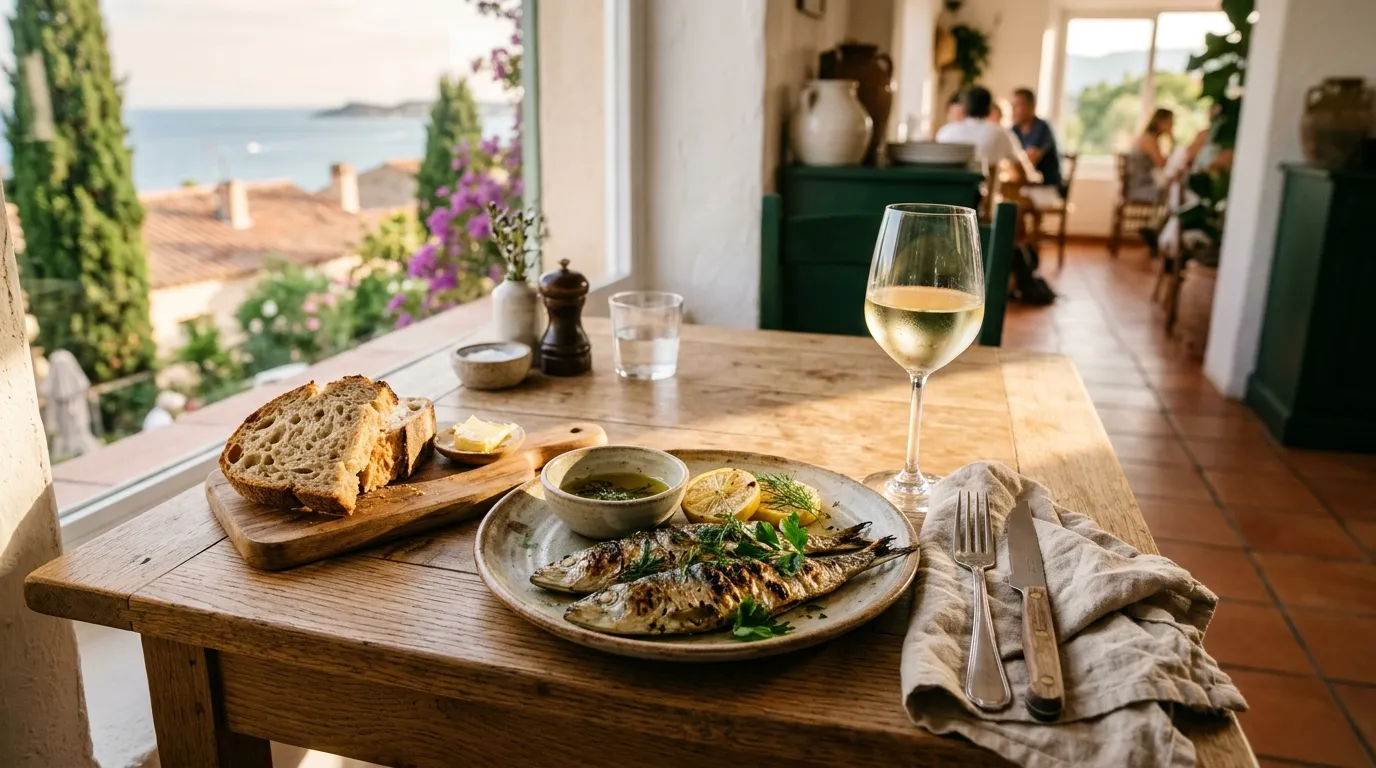
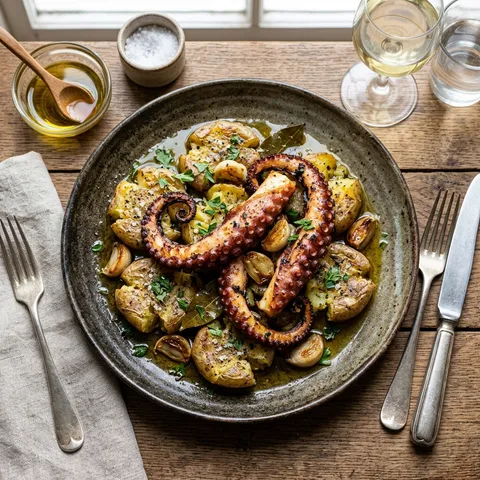
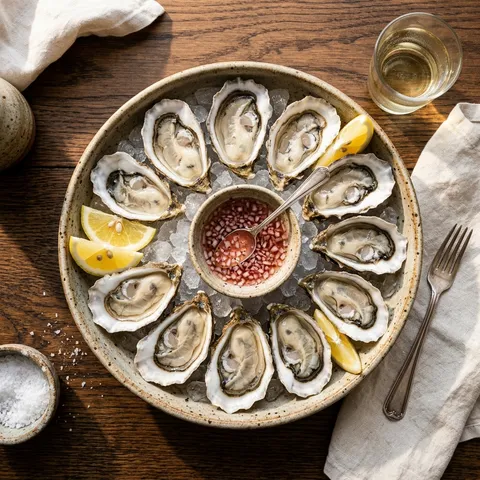
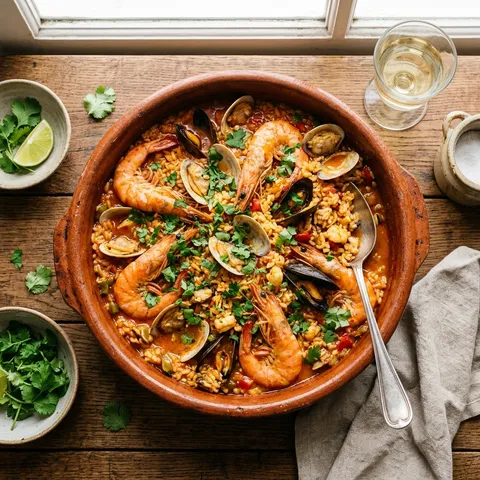
Add your venue, organize categories and enter dishes, drinks, prices and photos. Include allergens and the languages your guests need.
- 02
Make it your own
Choose one of five designs. Adjust colors, fonts, text sizes and your logo to match your venue. Preview the result before publishing.
- 03
Publish and share
Publish your menu and download its QR code. Place it on tables or share the menu link. Guests open it on their phone, with no app to install.
Try a menu update
The same QR code. An up-to-date menu.
A dish sells out? Hide it. Your guests see the change without needing a new link or a reprinted QR code.
You make a change
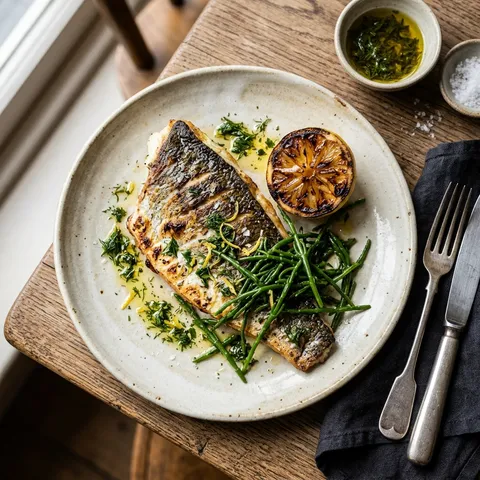
Grilled sea bassAvailable
Mark the sea bass as sold out
Your guest sees
Your venue
Our menu
Grilled sea bassRoasted vegetables, olive oil and lemon.
Seasonal saladFresh leaves, tomatoes and a citrus dressing.
The sea bass is visible on the guest menu.
Interactive example. No real menu is changed.